The Tool Gets Its Own Usage Record.

Many attachments move between carriers without a dedicated counter of their own. Fit the unit to the tool and its reported location, recorded activity, maintenance history and documents remain attached to its record as it moves between machines.

Excavator with heavy-duty breaker attachment in an industrial quarry

Latest status

Active attachmentHB 2000 Breaker
Working hours187 h

The usage record and alerts belong with the attachment, not a random row in a file.

The groups below match how attachment fleets are deployed. Many move between carriers and sites, and many do not provide a dedicated usage counter.

Coverage by attachment family

Breakers, cutters, augers, grapples, buckets and more. Reported location, recorded activity, maintenance records, documents and site context stay with each attachment's record.

Demolition & Breaking

  • Hydraulic Breakers
  • Hydraulic Shears
  • Pulverizers
  • Concrete Cutters

Cutting & Milling

  • Drum Cutters
  • Axial Drum Cutters

Drilling & Ground Tools

  • Hydraulic Augers
  • Rippers

Handling & Grabbing

  • Excavator Grapples
  • Log Grapples

Bucket Attachments

  • Crusher Buckets
  • Digging Buckets
  • Trenching Buckets
  • Ditch-Cleaning Buckets
  • Grading Buckets
  • Rock Buckets
  • Skeleton Buckets
  • Tilt Buckets
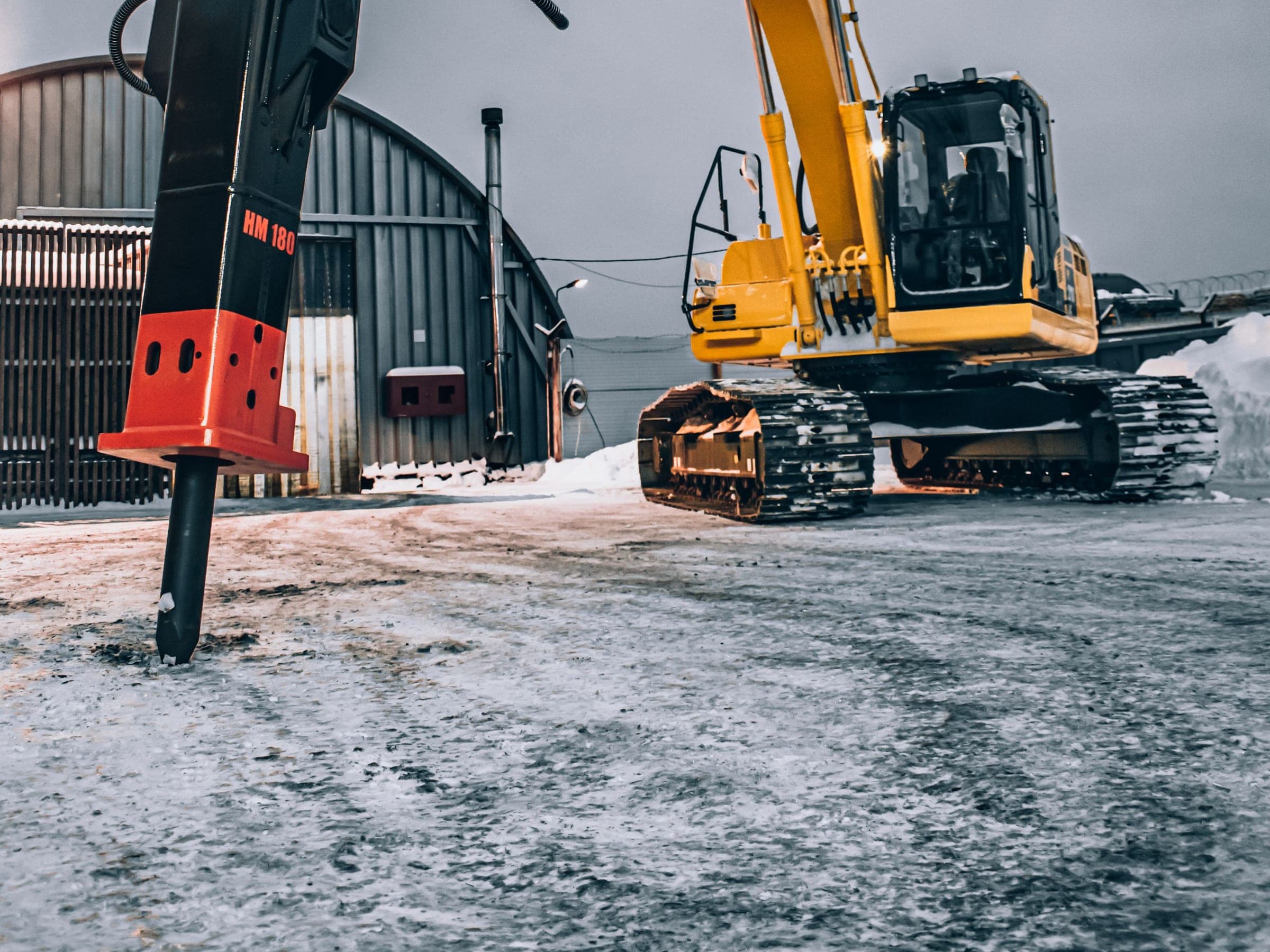
Hydraulic breaker attachment on site
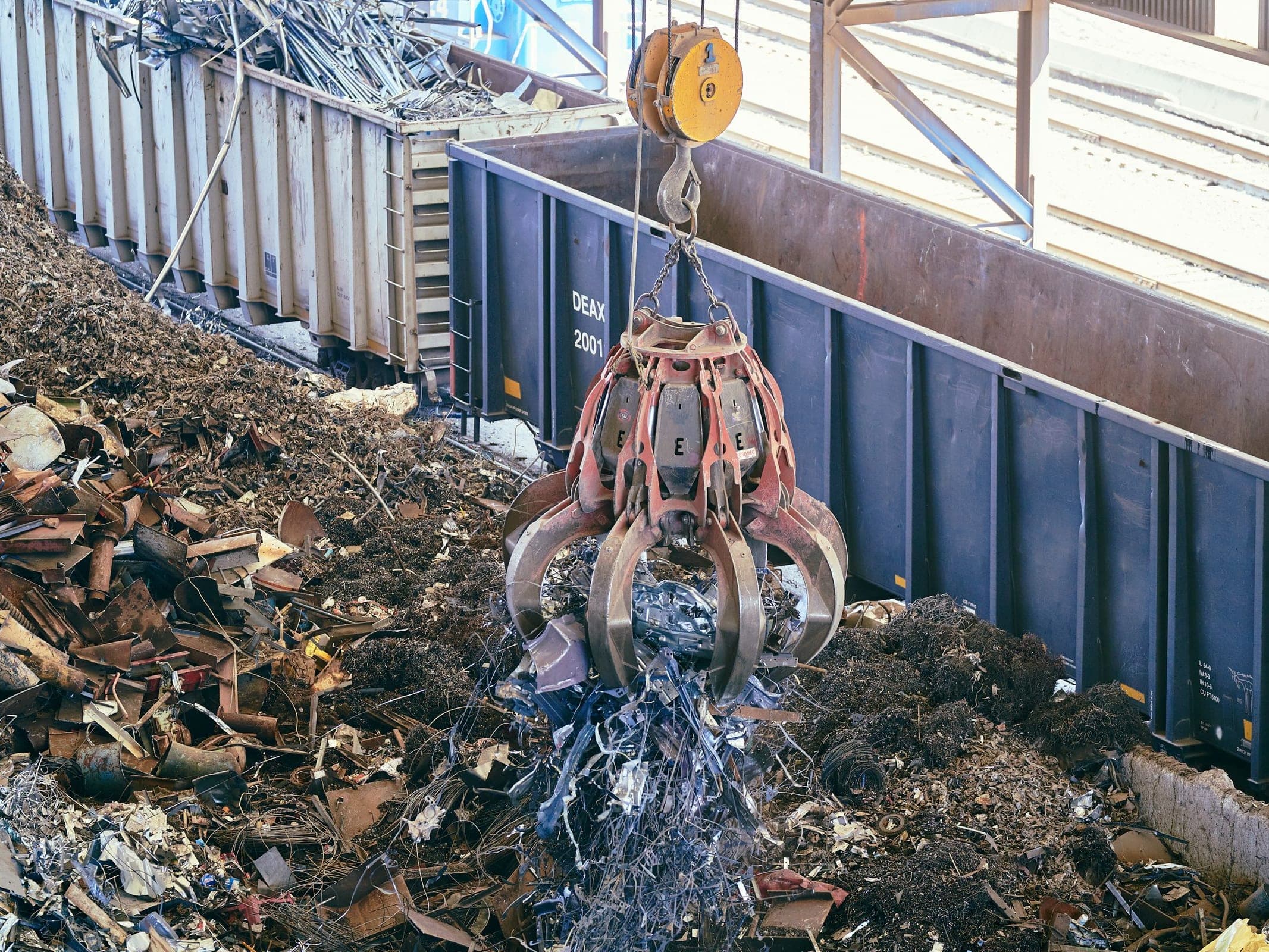
Excavator grapple attachment at work

Where Attachment Operations Lose Structure

When multiple attachment types move across different jobsites, it becomes harder to keep working hours, service timing, field status and team coordination aligned.

Nobody is sure where it is

An attachment travels without a cab and without a driver to ask, so it is the thing most likely to be somewhere nobody expected.

Serviced on a guess

When an attachment has no dedicated counter, service timing often relies on manual notes or carrier hours that do not show when the tool was fitted.

Its history is in three places

The manual is on a desktop, the last service is in a diary and the damage report was a conversation in the yard.

The next shift starts from nothing

What the outgoing crew found only carries across if the two of them happen to be in the yard at the same time.

Signal feed

12:44:08 UTC

Attachment reported at Site B

Active

Recorded activity updated

Review

Configured service requirement

Pending

What SolidTrack Helps Teams Manage

Working Hours

Hours built from the tool's own motion, independent of whichever carrier it is hanging off this week.

Maintenance Awareness

Recorded activity, configured intervals and service history to support maintenance planning for the tool itself.

Alerts

Geofence entry or exit, an offline Field Unit, low battery, due or overdue maintenance, missed inspections and usage-based anomalies.

Geofences & Site Context

Create the boundary, assign the equipment to monitor and configure entry, exit or breach alerts for movement that needs attention.

Handover Without a Conversation

A failed inspection item, its photo and the report raised against it stay on the asset, so the incoming shift opens the tool and sees what the outgoing shift found.

Utilization Context

Recorded activity and inactive periods provide context for reviewing whether an attachment is being used or waiting on site.

Every Tool Type, the Same Record

A breaker, a grapple and a bucket operate in different ways, but each can have a record for reported location, activity, documents, inspections and service history. Keeping that context together makes similar assets easier to review.

  • One platform across attachment categories
  • Shared visibility for operations and maintenance
  • More structured coordination across teams

Working Hours That Support Better Maintenance Timing

Track activity time against the attachment rather than relying only on the carrier's engine hours. Use recorded activity, configured intervals and service history to plan the next maintenance requirement.

Activity record
Follows the attachment
Service context
Stays with the record

Field Alerts and Site-Level Awareness

Configure alerts for geofence entry or exit, offline devices, low battery, maintenance requirements, missed inspections and telemetry or usage-based anomalies.

ALERT: Unit HB 2000 exited Zone A

Better Coordination Across Teams and Shifts

Keep inspections, incidents and maintenance context with the attachment so the next assigned shift can review the same operational record.

Utilization Visibility Across Attachment Operations

Compare recorded activity with inactive time across attachments. See whether a specialized grapple is working, waiting on site or available for another job.

SolidAI puts the pattern into context

For hydraulic breakers, firing bursts are classified by duration and a rising share of long bursts can indicate increased mushrooming risk. SolidAI helps teams read that telemetry-derived pattern, compare equipment working in similar contexts and identify a practical follow-up without presenting it as a physical diagnosis.

SolidAI overview

AI insight

Long-burst share increased

Service context

Configured service requirement approaching

Why SolidTrack Fits Attachment-Heavy Operations

Our architecture is designed for the specialized stress and mobile nature of heavy-duty attachments, providing transparency where traditional telematics often fall short.

01

Better Visibility

An attachment is the thing most likely to be somewhere nobody expected, because it travels without a cab and without a driver to ask.

02

Better Maintenance Timing

The tool that worked forty hours and the one that worked four stop arriving in the workshop on the same day.

03

Better Site Awareness

Sites and geofences connect monitored equipment with boundary events and location context.

04

Better Cross-Team Coordination

What carries across a shift change is the inspection, the incident and the maintenance record, which is usually the part that used to get lost.

See SolidTrack in an Attachment-Focused Workflow

Book a walkthrough to see how SolidTrack supports excavator attachment visibility, maintenance timing and connected operational control.

Common questions

How do you track hours on an attachment that has no power supply?

The unit runs on its own sealed lithium battery, so nothing wires into the machine or the attachment's hydraulics. That is why it suits breakers, buckets and grapples with no power of their own. SolidTrack classifies motion telemetry to derive recorded activity rather than reading a mechanical hour counter. Battery life is quoted in transmissions rather than years: typically around 4,000 at one transmission a day, which is the figure to plan a replacement cycle against. Outside coverage, the store-and-forward log holds 300 entries by default and uploads retained records after connectivity returns. Longer offline periods can exceed available storage.

If we move an attachment between excavators, do its hours move with it?

Yes. The unit is fixed to the attachment itself, so its recorded activity, reported location history and alerts remain with the tool as it moves between carriers. What it will not do is tell you which excavator it was mounted to at the time: there is no wiring to the machine, so there is nothing for the unit to read. If you need that pairing on record, it has to come from your own handover process rather than from the device.

Why don't SolidTrack's hours match the attachment's own hour meter?

Because the two count different things, and a difference is expected rather than a fault. An hour meter generally runs while the circuit is live; SolidTrack derives activity from motion telemetry and separates inactive periods from recorded activity. For supported hydraulic breaker configurations, it can also classify firing bursts by duration and report telemetry patterns associated with blank firing. These are operational indicators for review, not a physical diagnosis, and they do not apply automatically to buckets, grapples, augers or other attachment types.

Where do you mount the tracker on a breaker or a bucket?

On a flat face away from the direct impact path, fixed with screws tightened to a maximum of 3 Nm. It is not a weld-on unit. The seamless PA6 nylon housing is molded around epoxy, measures 68 x 68 x 25 mm at 170 g and is rated IP69K. Its specified operating temperature range is -30 C to +85 C. The Field Unit is rated for up to 8 g of shock and vibration. An optional protective cover with two shock absorbers is available for exposed mounting positions (four M8x50 screws, 72 x 72 mm hole pattern, 30 Nm max).

Can we keep inspections and service documents on the attachment instead of the machine?

Yes. Each attachment is its own asset, so pre-shift inspections, documents and maintenance records sit against the tool and remain with its record as it moves between carriers. Crews can run equipment-specific checklists in the mobile browser, attach a photo to an item and report a failed item to maintenance.