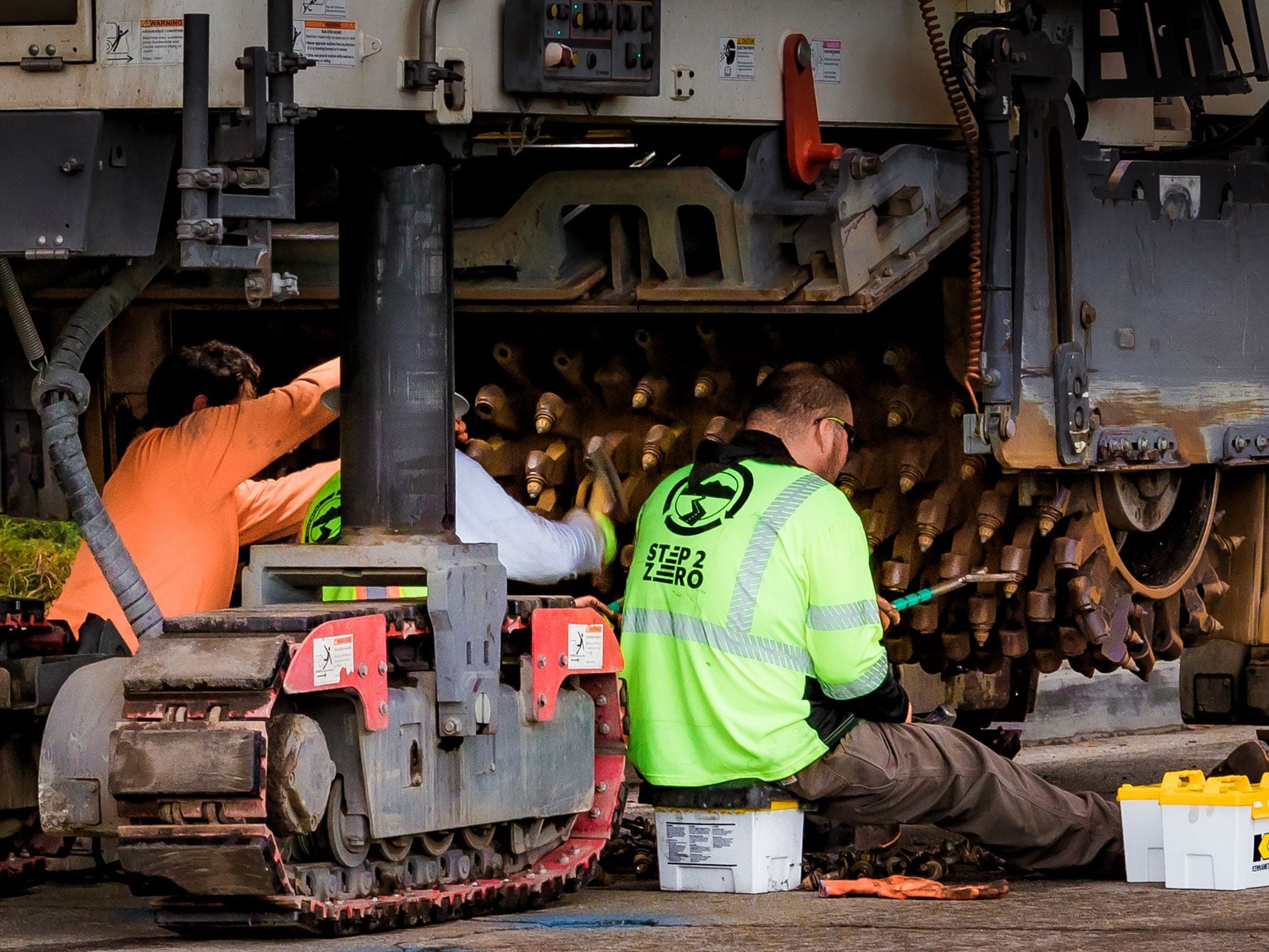
Records
Maintenance history in one structured view
Hours, impact quality, the last service and the inspection that flagged it, read before the van leaves rather than after it arrives.

SolidTrack helps service teams connect maintenance timing, field coordination and day-to-day visibility across machines, attachments and active jobsites.
Next routine
24h
Service teams juggle moving assets, changing job sites, and tight maintenance windows. SolidTrack pulls that into one operational view so people can prepare earlier, respond faster, and coordinate with less guesswork.

Coordination lag
Fragmented information causes delays in response and scheduling.
Operational friction
When maintenance decisions rest on scattered field information, teams spend more time reacting, checking status by hand, and working around unknowns.
Service coverage
Tie together working hours, maintenance context, alerts, and site awareness so technicians and planners see the same picture.
Support better timing for inspections, routines and service windows.
Track maintenance-related context across machines and attachments.
See which equipment shows due, overdue or anomalous signals that deserve review.
Understand which machine or attachment is involved and where it is operating.
Use latest reported location, sites and geofences to put service-related field activity in context.
Improve visibility across technicians, teams and operational handoff.
Equipment rental fleets: readiness across customer sites, handoffs, and maintenance communication is on a dedicated page: Rental companies.
Uptime
SolidTrack helps teams connect working hours, field visibility and maintenance awareness so service planning stays consistent across active equipment.
Teams & shifts
A failed inspection item, its photograph and the report raised against it stay attached to the machine. The incoming shift opens the asset and sees what the outgoing shift found, without the two of them having to be in the yard at the same time.
Records
Hours, impact quality, the last service and the inspection that flagged it, read before the van leaves rather than after it arrives.
Response
When a machine or attachment needs attention, SolidTrack helps teams respond with awareness of location, surrounding context and what may need action next.
Secure Share
When a customer asks where their machine is, the answer can be a link instead of a phone call. Secure Share gives them a read-only external view of one asset's current or latest reported location and movement history until the expiry date you choose. The link can be revoked earlier and does not expose telemetry, documents, maintenance information or other platform modules.
SolidAI Assistant helps service teams ask operational questions in plain language. SolidAI Hub compares equipment, assigned operators, sites and shifts, and supports company-level reporting for maintenance review.
Earlier visibility
Highlight due, overdue and anomalous patterns that deserve operational or workshop review.
Broader context
Review historical patterns alongside configured or upcoming maintenance requirements.
Better decisions
Support next steps with evidence you can point to in the system.
Maintenance teams need solid timing, clear field context, and coordination across assets, sites, and people. SolidTrack keeps those moving parts in one place.
Recorded activity, impact patterns, the last service and the inspection that flagged it can be reviewed before the van leaves.
Activity, inspection findings and service history give the team a better basis for selecting parts before the visit.
Activity, inspection and service history stay attached to the equipment, giving each callout more context.
Secure Share shows one asset's reported location and movement history without exposing the internal equipment record.
Book a walkthrough to see how SolidTrack supports maintenance timing, service coordination and field visibility across active operations.
Yes. SolidTrack derives activity from motion telemetry and keeps service records against the same asset, so configured intervals can be reviewed alongside the equipment's activity record. The metric is not a raw sensor reading or a replacement for the machine's approved meter. Calendar requirements still matter because fluids, statutory checks and OEM schedules may fall due regardless of recorded activity.
Because the two count different things, and a gap is expected rather than a fault. A machine's hour meter may run whenever the engine is on, while SolidTrack derives activity from motion telemetry and reports inactive periods separately. Many attachments have no dedicated counter to compare against. If a service contract or warranty uses the machine's own meter, keep using that number for the contract and use the SolidTrack record for utilization and service context.
SolidTrack's mobile browser workflows cover pre-shift inspections, incident reports and attendance. Failed checklist items can be reported to maintenance, and Field Incidents records can include a photo, description and severity. The information remains on the asset record for the technician to review in the platform. It is not a work-order terminal, and the native iOS and Android apps are still in development.
Through the asset record, rather than through people remembering. A failed inspection item, its photo and the report raised against it stay attached to the machine, so the incoming shift opens the asset and sees what the outgoing shift found. Attendance records who was actually on site, signed in by scanning the site QR code or by GPS proximity, and Team & Shifts holds the shift structure around it. There is no separate handover-notes feature: what carries across is the inspection, the incident and the maintenance record, which is usually the part that used to get lost.
Usage evidence, not a diagnosis. SolidTrack classifies each firing burst by duration: 0 to 20 seconds controlled, 21 to 40 extended, 41 to 80 where mushrooming risk begins, 81 to 180 prolonged use, with repositioning up to 300 seconds still counted as productive. It also detects and classifies blank-firing patterns from telemetry. SolidAI can compare equipment, sites and previously assigned operators or shifts side by side and show the figures behind the comparison. What you will not get is a fault code from the machine's own systems. The evidence describes the recorded usage pattern, not what broke inside the equipment. The five questions and answers also ship as FAQPage structured data on this route, with the same wording.